Edit links after printing
Keep the same QR code on menus, packaging, flyers, and signs while changing the destination from your dashboard.
QR Code Generator
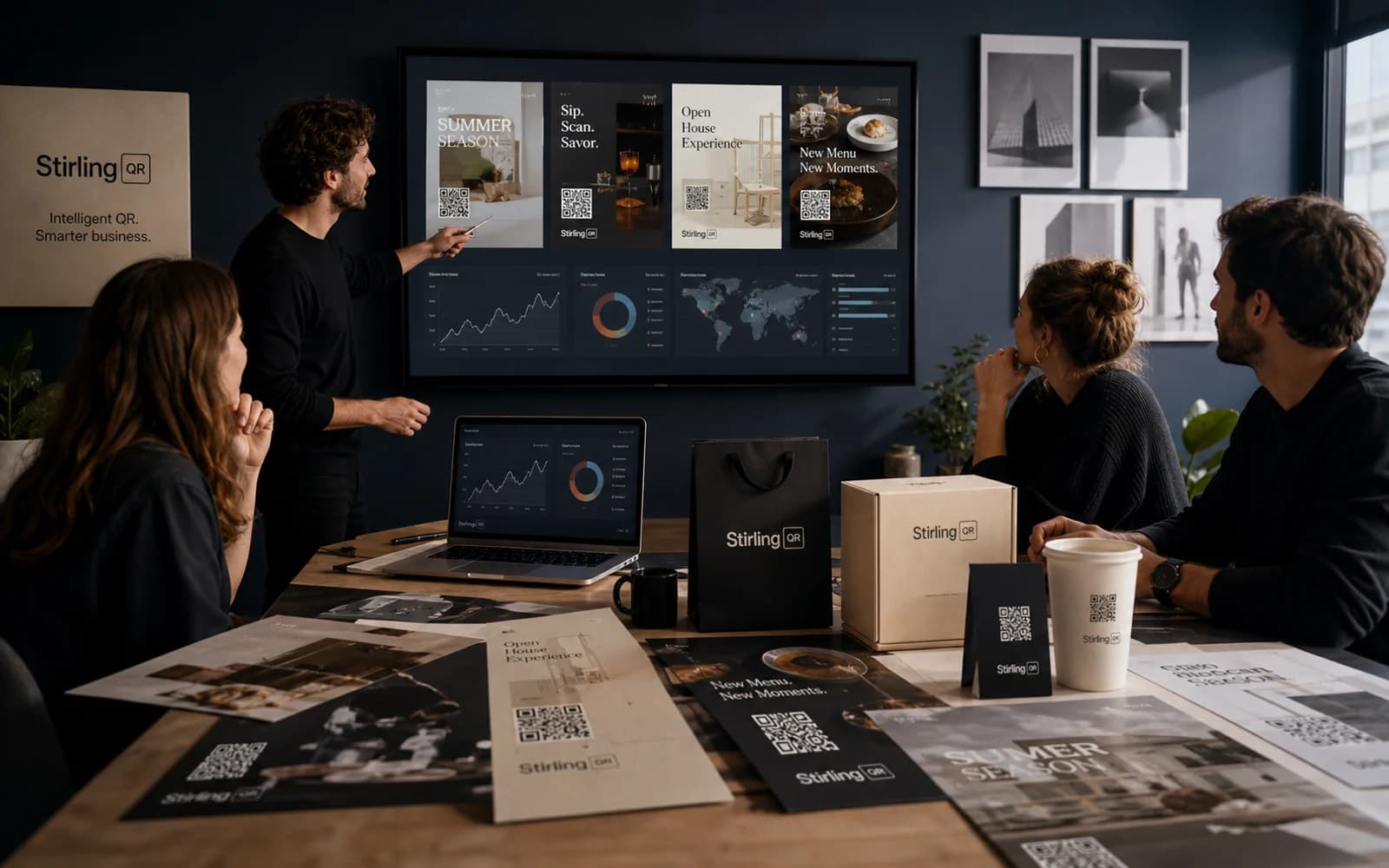
What it is
A business QR code generator helps you create scannable codes that connect offline materials to online actions. With dynamic QR codes, the printed image stays the same while the destination can change behind the scenes.
Key features
Keep the same QR code on menus, packaging, flyers, and signs while changing the destination from your dashboard.
See scan activity by time, device, country, city, browser, and referrer so you know what is working.
Add colors, custom shapes, and your logo so the code looks like part of your campaign instead of a generic block.
Download PNG, SVG, or PDF files for social posts, business cards, signs, labels, posters, and packaging.
Who it is for
Free static QR tools are fine for a short-lived personal code. Stirling-QR is better when the code will be printed, shared widely, or used for revenue because you can change the link later, track scans, and manage campaigns over time.
FAQ
The best QR code generator for business is one that supports dynamic links, scan analytics, branding, exports, and campaign management. Those features help printed codes keep working after a campaign changes.
Yes. Stirling-QR lets you start with free codes, then upgrade when you need more volume, team features, or advanced campaign controls.
Yes. You can export QR codes as PNG, SVG, or PDF depending on whether you need them for web use, scalable design files, or print-ready material.
Create your first dynamic QR campaign, test the workflow, and upgrade only when you need more room.
Get started free