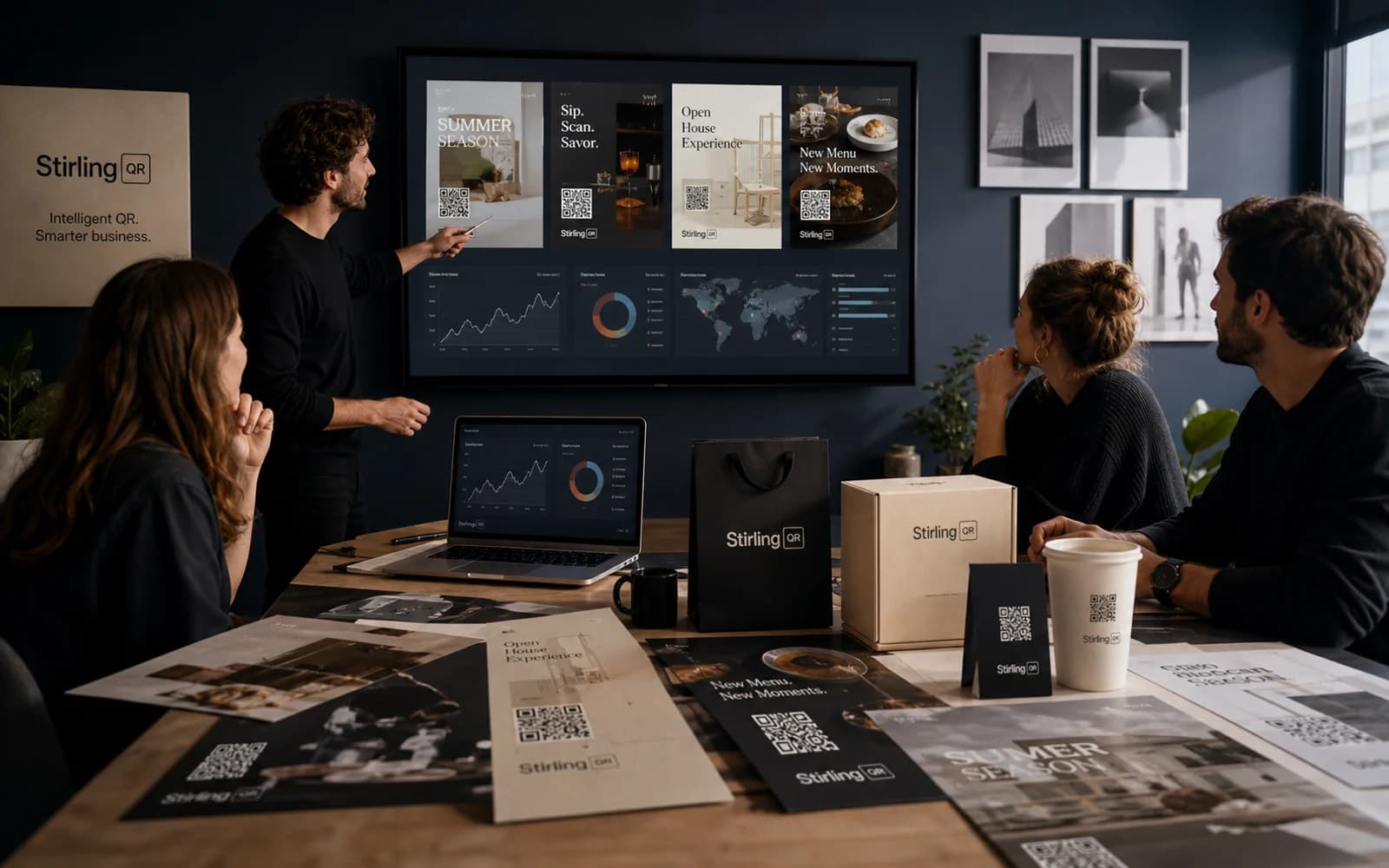
Scan analytics dashboard
View scans over time plus device, country, city, browser, operating system, and referrer breakdowns.
QR Tracking
What it is
A QR code generator with tracking records scan events when someone opens a dynamic QR code. The scan data helps you compare channels, improve placements, and report campaign performance.
Key features
View scans over time plus device, country, city, browser, operating system, and referrer breakdowns.
Group related QR codes together so you can review a whole campaign instead of only one code at a time.
Split traffic between two destinations and compare which experience earns more scans or downstream conversions.
Create the code once, print it, and keep improving the campaign from the dashboard.
Who it is for
An untracked QR code can send people to a page, but it cannot tell you much about what happened. A trackable QR code gives your team scan data, making it easier to improve the next campaign.
FAQ
Stirling-QR includes scan tracking for dynamic QR codes, including time, device, location, browser, operating system, and referrer data.
Create a dynamic QR code, place it in your campaign, then review scan analytics in the Stirling-QR dashboard as people scan it.
Yes. Dynamic QR scan tracking works for printed materials because each scan goes through a managed redirect before reaching the final destination.
Create your first dynamic QR campaign, test the workflow, and upgrade only when you need more room.
Get started free