Edit links after printing
Keep the same QR code on menus, packaging, flyers, and signs while changing the destination from your dashboard.
Buyer Guide
What it is
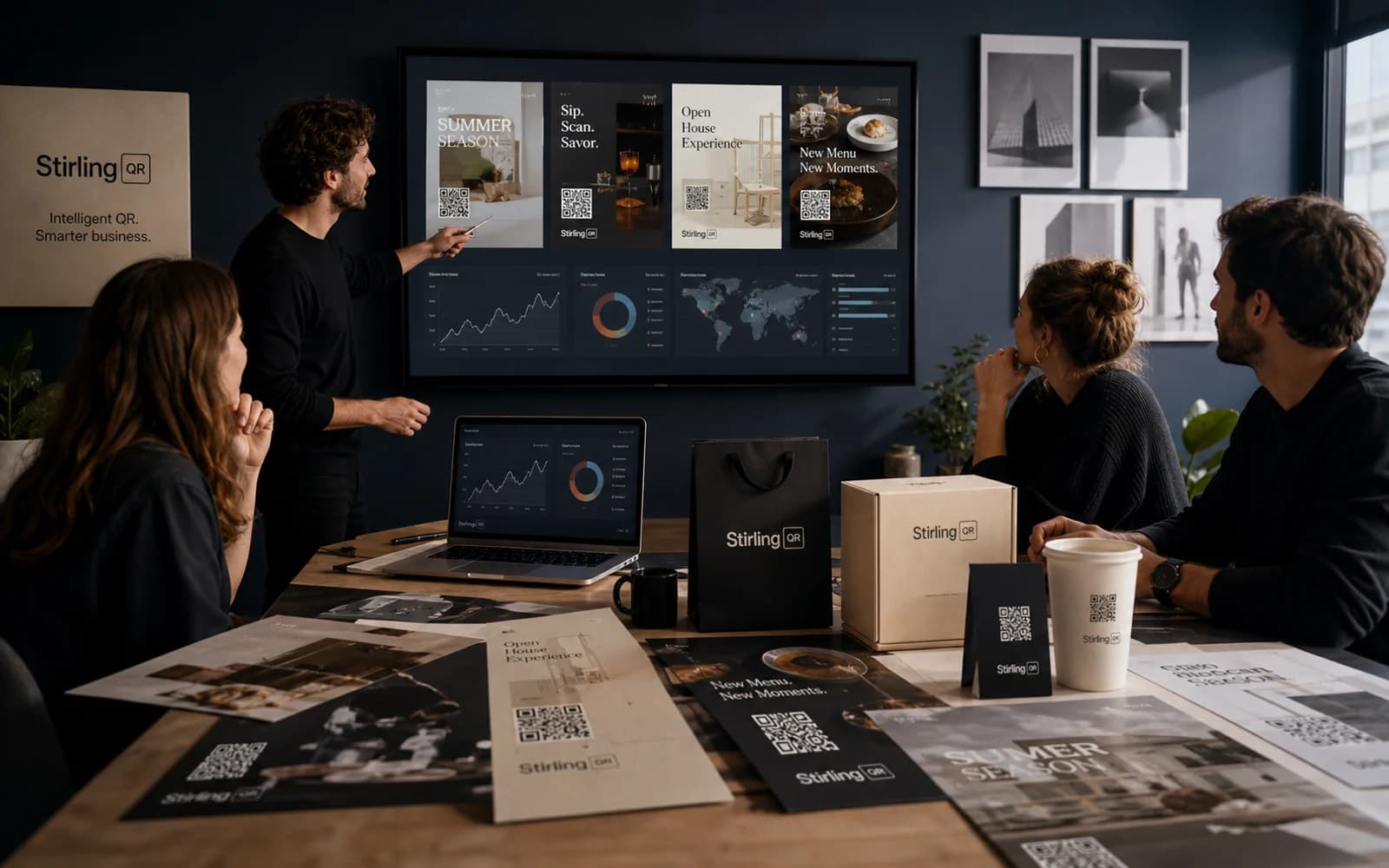
Business QR software should do more than create a scannable image. It should help teams reduce print risk, prove campaign performance, and manage every code from a reliable dashboard.
Key features
Keep the same QR code on menus, packaging, flyers, and signs while changing the destination from your dashboard.
See scan activity by time, device, country, city, browser, and referrer so you know what is working.
Add colors, custom shapes, and your logo so the code looks like part of your campaign instead of a generic block.
Download PNG, SVG, or PDF files for social posts, business cards, signs, labels, posters, and packaging.
Who it is for
Stirling-QR focuses on the features businesses usually need first: dynamic links, tracking, branded design, campaign controls, and clean exports. That makes it a practical fit for teams that want measurable QR campaigns without heavy setup.
FAQ
For most businesses, the best option is a dynamic QR platform with scan analytics, branding, campaign management, and reliable export options.
Free static generators can work for temporary personal codes. Businesses should use dynamic QR codes when printed materials, tracking, or future updates matter.
Dynamic editing, analytics, branding, campaign grouping, access controls, and print-ready exports are usually the most important features.
Create your first dynamic QR campaign, test the workflow, and upgrade only when you need more room.
Get started free