Edit links after printing
Keep the same QR code on menus, packaging, flyers, and signs while changing the destination from your dashboard.
Branded QR Codes
What it is
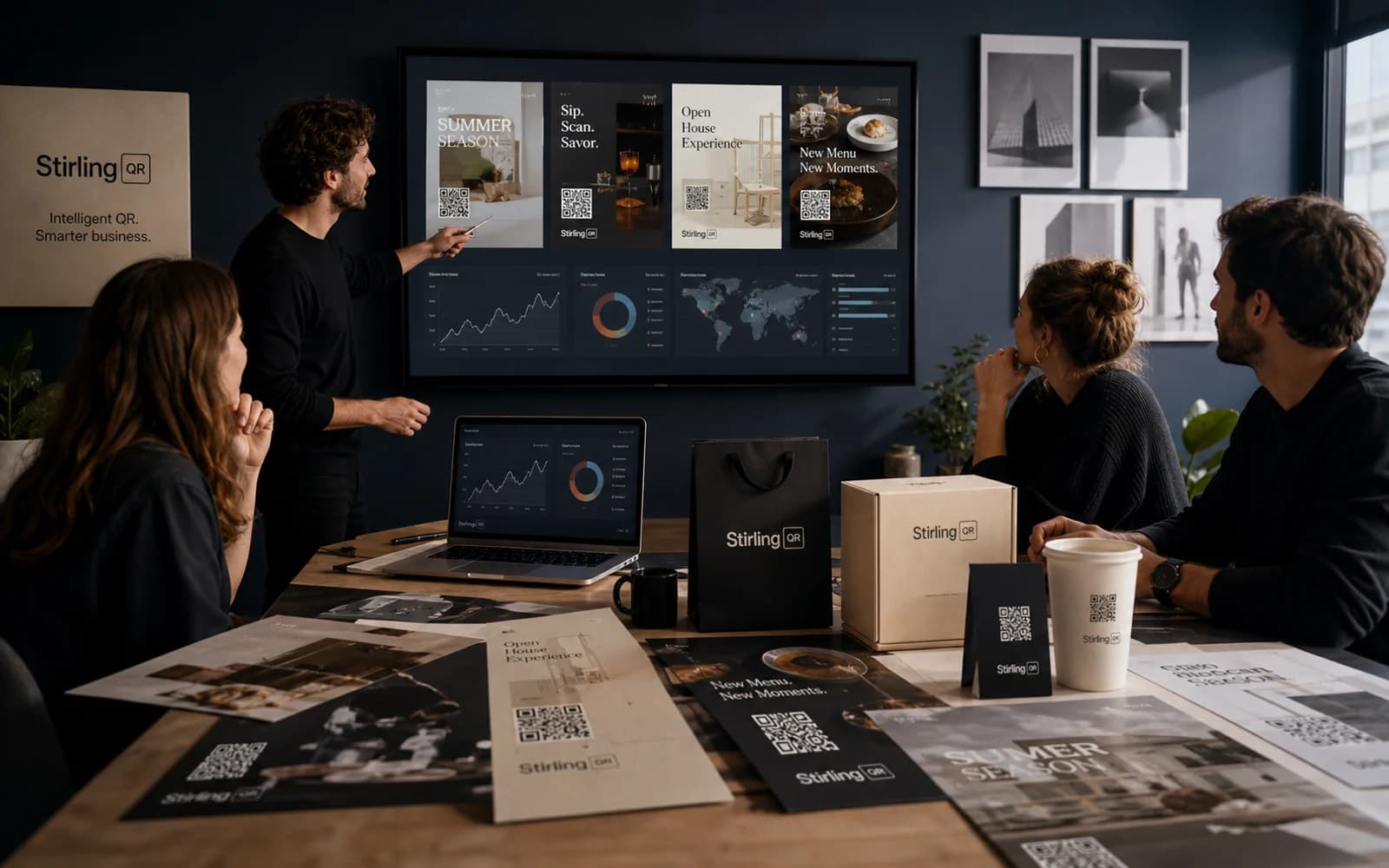
Branded QR codes combine the function of a scannable code with visual design controls. They are useful when the code appears on customer-facing assets like packaging, signs, menus, displays, and business cards.
Key features
Keep the same QR code on menus, packaging, flyers, and signs while changing the destination from your dashboard.
See scan activity by time, device, country, city, browser, and referrer so you know what is working.
Add colors, custom shapes, and your logo so the code looks like part of your campaign instead of a generic block.
Download PNG, SVG, or PDF files for social posts, business cards, signs, labels, posters, and packaging.
Who it is for
Plain codes can work, but branded QR codes feel more deliberate on customer-facing material. Stirling-QR keeps the code scannable while giving you enough styling control to match your brand.
FAQ
A branded QR code uses styling such as colors, shapes, and a logo while preserving the scannable QR pattern. Stirling-QR gives you a live preview while you design.
Yes. Stirling-QR includes logo upload and styling controls so you can create custom branded QR codes.
Yes. The design and the destination controls work together, so you can keep the branded code and update the link later.
Create your first dynamic QR campaign, test the workflow, and upgrade only when you need more room.
Get started free