Edit links after printing
Keep the same QR code on menus, packaging, flyers, and signs while changing the destination from your dashboard.
Events
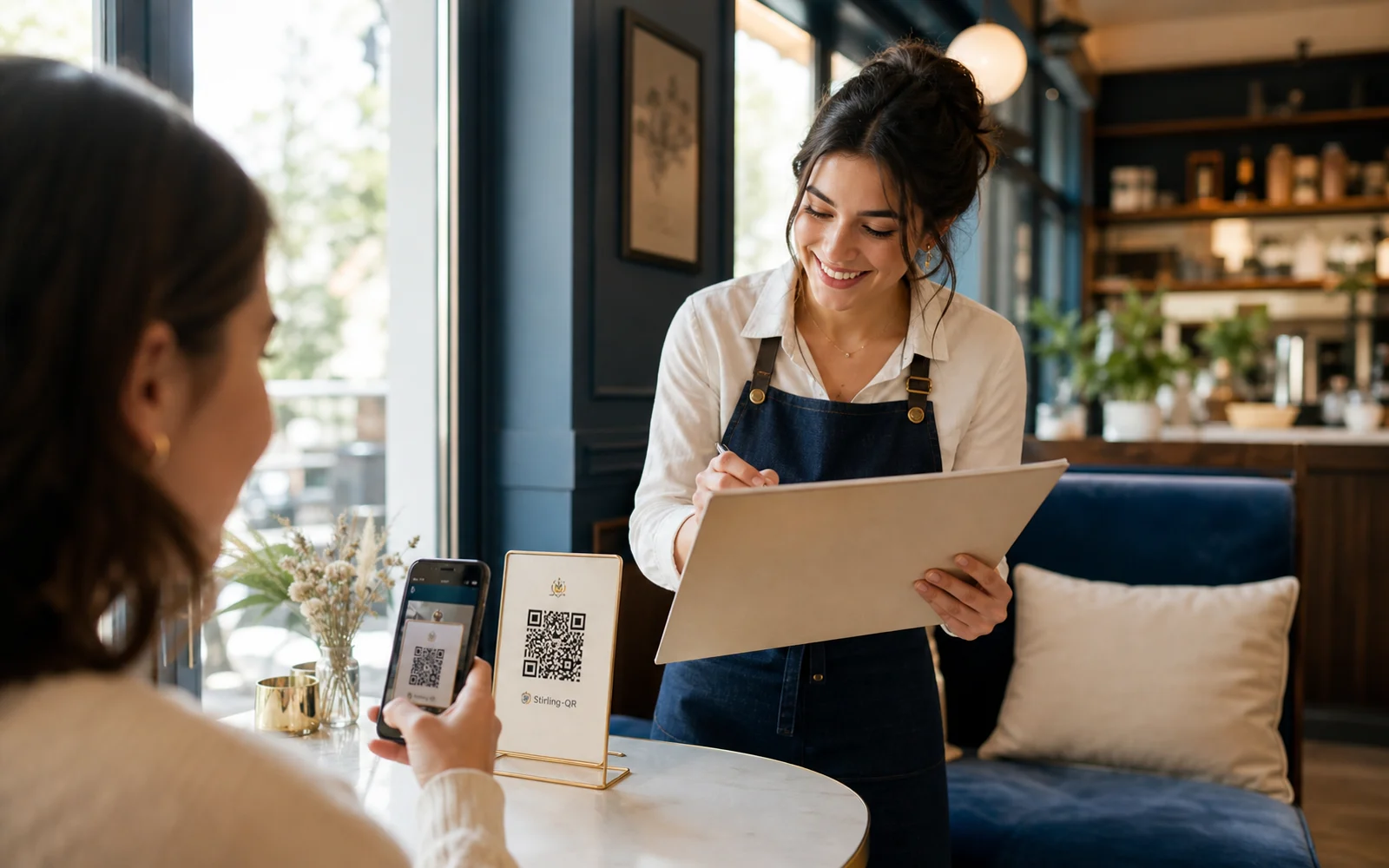
What it is
An event QR code generator creates codes for registration pages, agendas, ticket links, maps, sponsor offers, feedback forms, lead capture, and post-event follow-up.
Key features
Keep the same QR code on menus, packaging, flyers, and signs while changing the destination from your dashboard.
See scan activity by time, device, country, city, browser, and referrer so you know what is working.
Add colors, custom shapes, and your logo so the code looks like part of your campaign instead of a generic block.
Download PNG, SVG, or PDF files for social posts, business cards, signs, labels, posters, and packaging.
Who it is for
Printed URLs are slow to type and easy to mistype. Event QR codes reduce friction and give organizers better insight into on-site engagement.
FAQ
Yes. Create a dynamic QR code that sends scanners to your registration, ticket, or check-in page.
Yes. Dynamic event QR codes can point to a new schedule, map, or offer without reprinting.
Yes. Stirling-QR tracks scans so you can compare signage, sessions, sponsor placements, and booths.
Create your first dynamic QR campaign, test the workflow, and upgrade only when you need more room.
Get started free