Edit links after printing
Keep the same QR code on menus, packaging, flyers, and signs while changing the destination from your dashboard.
Private Access
What it is
A password-protected QR code asks scanners for a password before redirecting them to the final destination. It adds a lightweight layer of control to dynamic QR campaigns.
Key features
Keep the same QR code on menus, packaging, flyers, and signs while changing the destination from your dashboard.
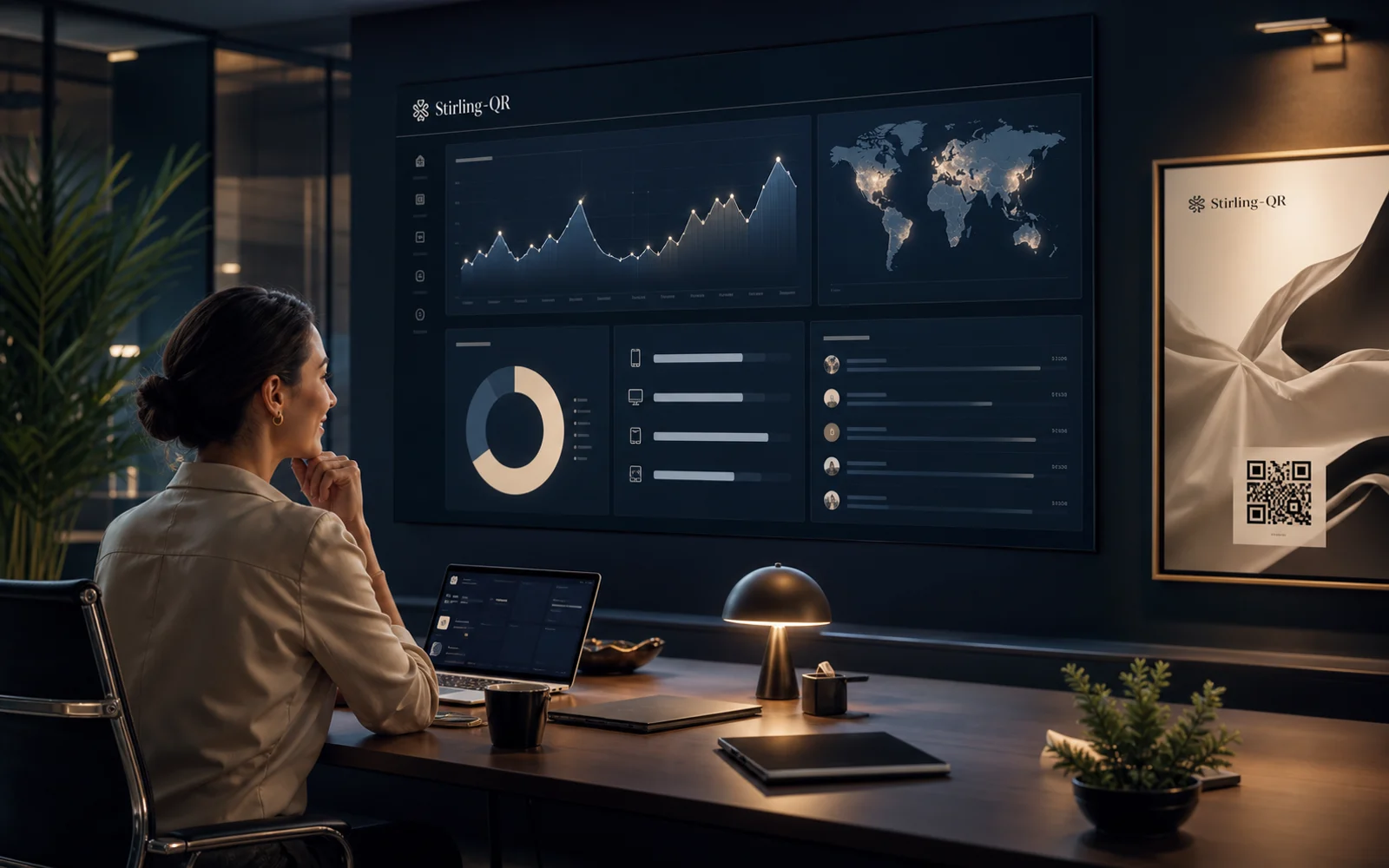
See scan activity by time, device, country, city, browser, and referrer so you know what is working.
Add colors, custom shapes, and your logo so the code looks like part of your campaign instead of a generic block.
Download PNG, SVG, or PDF files for social posts, business cards, signs, labels, posters, and packaging.
Who it is for
Public QR codes are right for broad marketing. Password-protected QR codes are better when the printed code may be visible but the destination should be limited to approved people.
FAQ
Yes. Stirling-QR supports password gates for QR codes that need controlled access.
They add useful access control, but highly sensitive information should also be protected by the destination system's own security.
Yes. Dynamic QR tracking can still record scan activity around the gated flow.
Create your first dynamic QR campaign, test the workflow, and upgrade only when you need more room.
Get started free